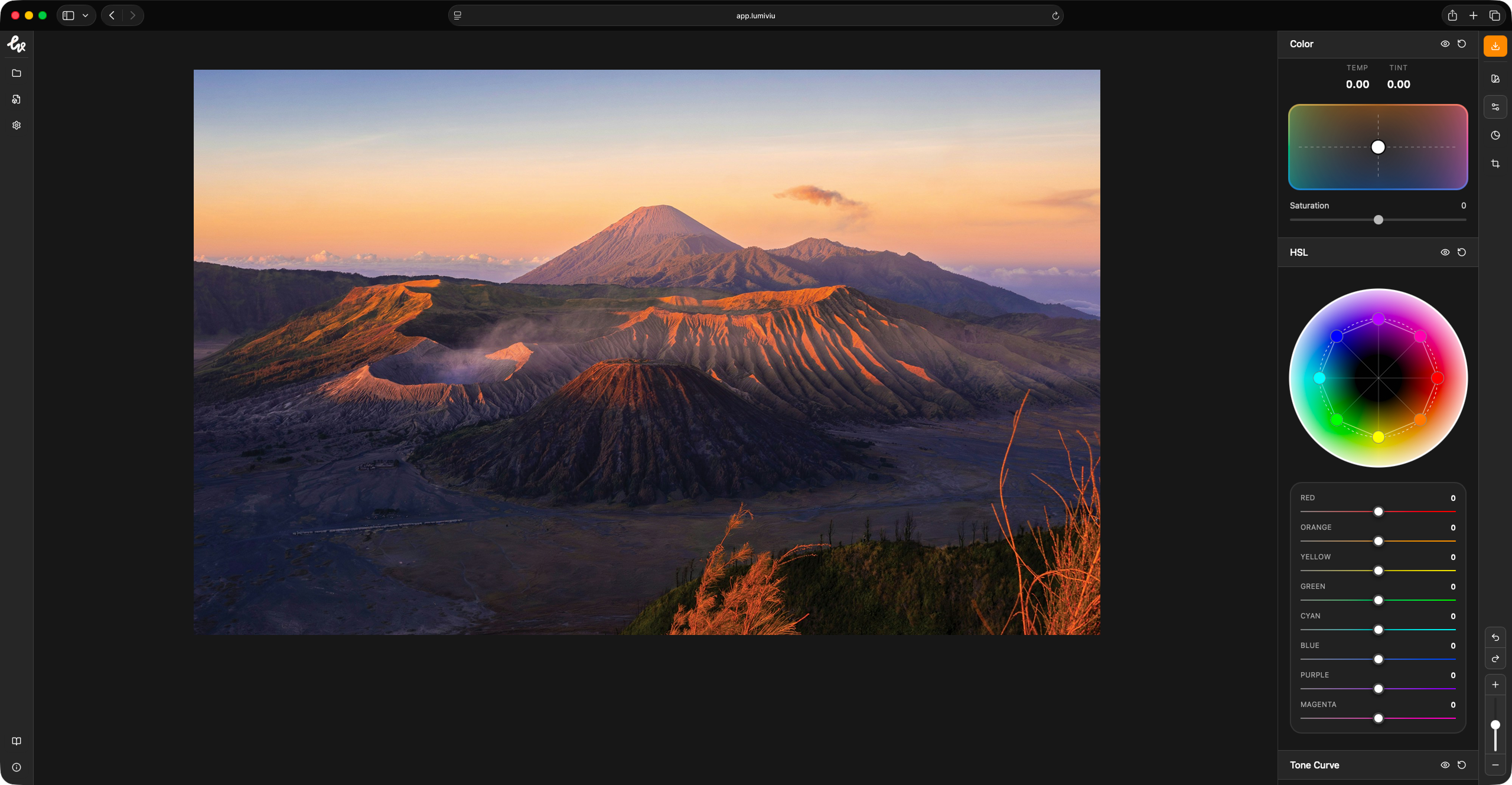
Available everywhere you create
Works on all major platforms with a browser.


Inside The Box
Everything you need to edit with clarity and intention.
Advanced Editing
Powerful tools for professional visual creation.
Color Transfer
Transfer color palette from one image to another.
Privacy First
Your data is yours. We don't store any of your images.
Frequently Asked Questions
Lumiviu is designed to work seamlessly across all major platforms including Windows, macOS, Linux, Android, and iOS. As long as you have a modern web browser, you can create and view visuals anywhere.
Yes. Lumiviu Web is completely free to use. All features are available to everyone, with no subscriptions, no hidden limits, and no watermarks.
Yes, absolutely. All visuals edited with Lumiviu can be used for both personal and commercial projects, including client work, social media, and monetized content.
Not at all. Lumiviu is designed to be simple and intuitive, so anyone can start editing right away. Whether you're a beginner or an experienced creator, the tools stay out of your way and let you focus on your visuals.
